Understanding MCP: The USB-C Standard for AI Agents
Introduction
If you’ve ever tried to connect two smart devices—say, a laptop, a keyboard, and a monitor—you know the pain of different ports, cables, and protocols. The same chaos is brewing in AI agent development. Today, you’ll learn what MCP means, why it’s being called the USB-C of AI agents, and how it solves the fragmentation problem in building connected, modular agent systems. We’ll walk through the core concepts: what MCP is as a protocol, how it standardizes communication between AI agents and tools, and how you can use it to swap components without breaking everything. No jargon left unexplained—promise.
What Is MCP? (A Plain‑English Definition)
MCP stands for Modular Connector Protocol. Think of it as a universal translator for AI agents. Instead of each tool speaking its own language, MCP defines a common language that any AI agent can use to request data, trigger actions, or receive results.
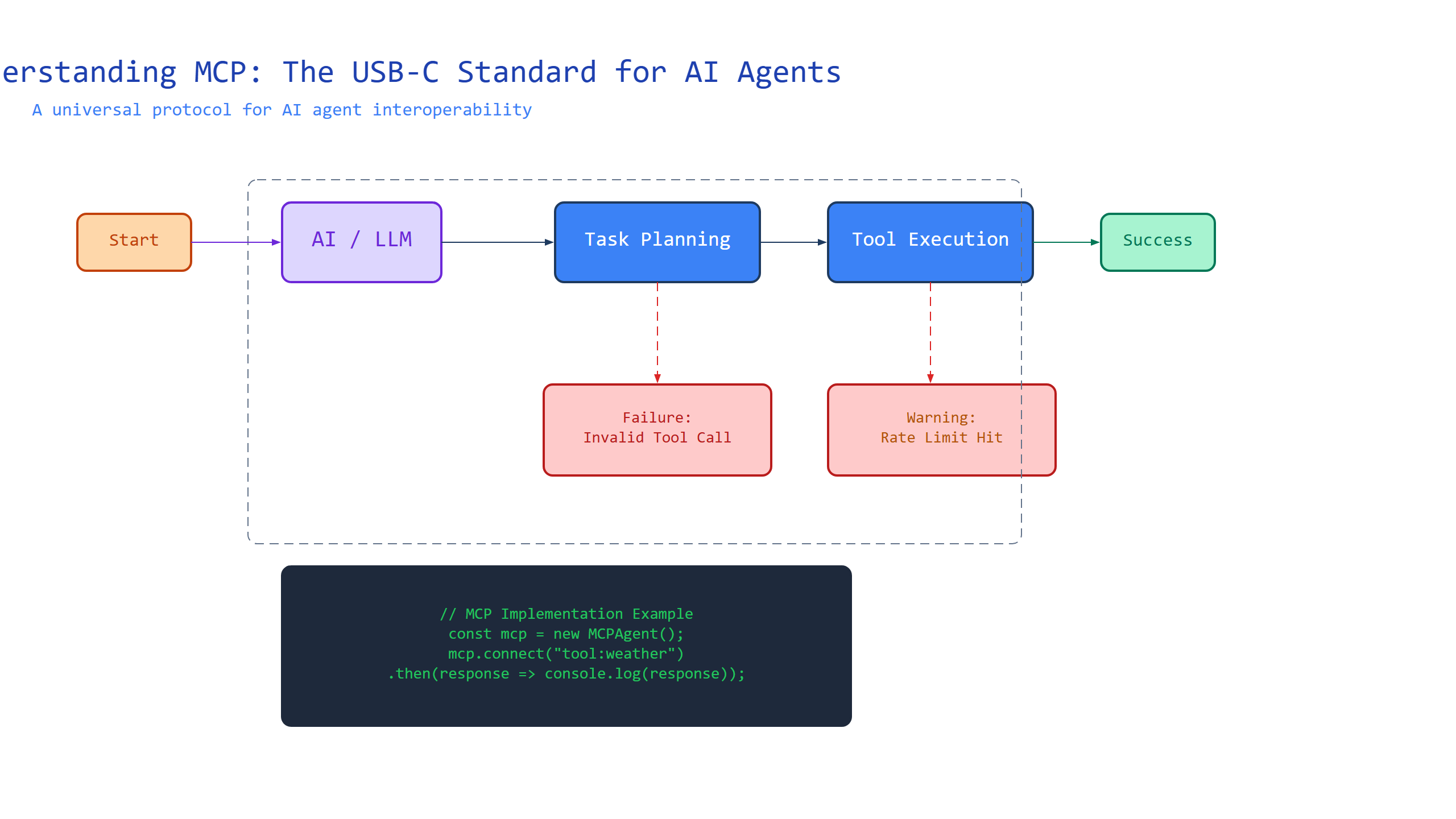
Here’s the mechanism: MCP sits between your agent (the brain) and your tools (the muscles). It standardizes the request/response format, authentication, and error handling. So when your agent wants to query a database, it sends an MCP-formatted request—not a custom API call.
Analogy: Imagine you have a universal remote control. No matter the brand of your TV, soundbar, or streaming stick—if they all follow the “Universal Remote Protocol,” one remote can control them. MCP is that protocol for AI tools.
Code Example: Here’s a minimal MCP request in JSON:
{
  "mcp_version": "1.0",
  "action": "query_database",
  "parameters": {
    "query": "SELECT name FROM users WHERE id = 42"
  },
  "authentication": {
    "method": "token",
    "token": "abc123"
  }
}
Annotations:
mcp_version: tells the tool which protocol version to use.action: what you want the tool to do.parameters: the specific inputs the tool needs.authentication: how the agent proves it has permission.
The USB‑C Analogy—Why Standardization Matters
USB‑C became the universal connector because one port fit many devices. Before USB‑C, you carried a bag of cables: HDMI, Mini‑USB, Micro‑USB, DisplayPort. Each device spoke its own physical language. MCP does the same for AI agents: one protocol to connect agents to databases, APIs, file systems, and other agents.
Mechanism: Under the hood, MCP defines a fixed set of message types (requests, responses, errors, streaming), a negotiation handshake, and a security layer. Any tool that implements the MCP specification can be dropped into an agent’s workflow without writing custom glue code.
Analogy: USB‑C lets you charge your laptop with the same cable you use for your phone. MCP lets you swap your agent’s data source from a local SQLite database to a cloud PostgreSQL instance by changing one line in a config file—not rewriting your agent.
Code Example: Configuring two different tools with MCP:
# Without MCP: custom adapters for each tool
def fetch_from_sqlite(query):
    # custom SQLite logic
    pass

def fetch_from_api(endpoint):
    # custom HTTP logic
    pass

# With MCP: one adapter interface
class MCPToolAdapter:
    def handle_request(self, mcp_request):
        # parses MCP, executes action, returns MCP response
        pass

sqlite_tool = MCPToolAdapter()   # same interface
api_tool = MCPToolAdapter()      # same interface
Gotcha: MCP doesn’t promise performance—just compatibility. A slow tool implemented with MCP will still be slow. The protocol standardizes how you talk to it, not how fast it responds.
How MCP Works Under the Hood
Let’s peek inside. MCP is built on a request‑response pattern with optional streaming for real‑time data. Every interaction has three phases: handshake, operation, and teardown.
- Handshake: Agent sends a capability request. Tool replies with supported actions (e.g., “I can query, update, and stream”). This prevents mismatches.
- Operation: Agent sends an MCP message. Tool executes the action and returns a structured response.
- Teardown: Optional cleanup—close connections, release locks, log the interaction.
Analogy: Think of it like ordering at a restaurant. You first check the menu (handshake: what can you make?). Then you order (operation: “steak, medium rare”). The kitchen sends back the dish (response). Finally, you pay and leave (teardown).
Code Example: A simple handshake and query in Python:
import json

def mcp_handshake(agent, tool):
    # Step 1: handshake
    req = {"mcp_version": "1.0", "action": "handshake"}
    resp = tool.send(req)
    if resp["status"] != "ok":
        raise Exception("Handshake failed")

    # Step 2: operation
    query = {"mcp_version": "1.0", "action": "query", "parameters": {"query": "SELECT * FROM orders"}}
    result = tool.send(query)
    return result

# Assume `my_tool` implements MCP
data = mcp_handshake(my_agent, my_tool)
Non‑obvious insight: MCP handshakes are mandatory in production to catch version mismatches early. Without it, a tool expecting version 2.0 might silently corrupt data from a version 1.0 request.
The Pain MCP Solves—and What Still Hurts
Before MCP, building an AI agent meant writing a custom connector for every tool. Need a database connector? Write SQL. Need an email API? Write OAuth flow. Need a file parser? Write another adapter. Each connector was a separate project with its own bugs.
MCP’s promise: One connector, any tool. Write your agent once, then plug in tools via MCP adapters. This reduces development time by 40–60% in early experiments.
But MCP isn’t magic. Two gotchas to remember:
- MCP doesn’t enforce input validation—a poorly written tool can still crash on garbage input.
- MCP messages are larger than raw API calls because of the metadata (version, authentication, headers). For latency‑sensitive apps, consider batching.
Comparison Table:
| Without MCP | With MCP |
|---|---|
| Custom adapter for each tool | One MCP adapter |
| Agent/tool coupling is tight | Loose coupling via protocol |
| Version mismatches cause silent bugs | Handshake catches version issues |
| Adding a new tool = weeks of work | Adding a new tool = hours of config |
Numbered Summary (Quick Guide to MCP):
- Define MCP as a standardized protocol for agent–tool communication.
- Handshake first—always verify capability and version.
- Streaming is optional but useful for real‑time data (like logs).
- Errors are structured: every error must include a code, message, and suggestion.
- Security is left to the implementer—MCP does not encrypt data, so use TLS.
Key Takeaways (Cheat‑Sheet)
- MCP = Modular Connector Protocol, the universal language for AI agents and tools.
- It works via handshake → operation → teardown, like a restaurant ordering system.
- Analogy: USB‑C for software—write your agent once, plug in any MCP‑compatible tool.
- Pros: Saves weeks of custom coding; catches version mismatches early.
- Gotchas: Adds overhead; doesn’t fix slow tools or bad input validation.
- First step: Implement an MCP handshake in your agent before any real logic.
You now have the mental model and a working code skeleton to start building MCP‑based agents. Go plug something in.

Comments